
How to save the app on the visitor's home screen
How to save your page as an “app” to the phone’s home screen?
We have several options for adding instruction.
To add these instructions on the mobile site, just drag the “instant app” widget to the editor:

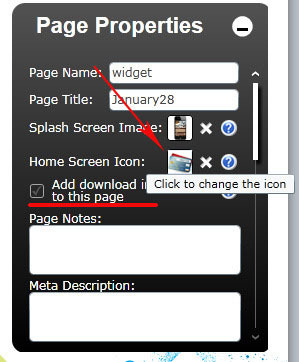
Or you can use another option. Check the check box “Add download instructions to this page”:
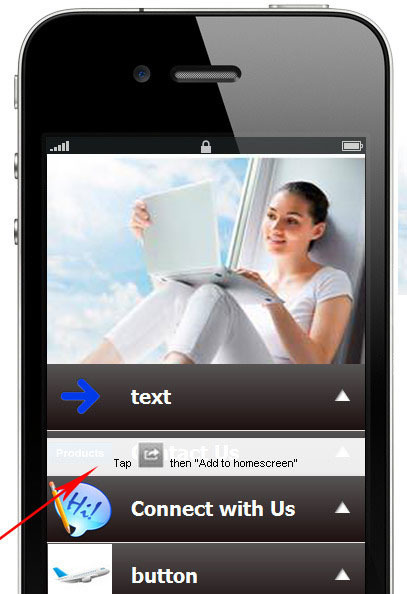
If checked, the popup is displayed (1 time):
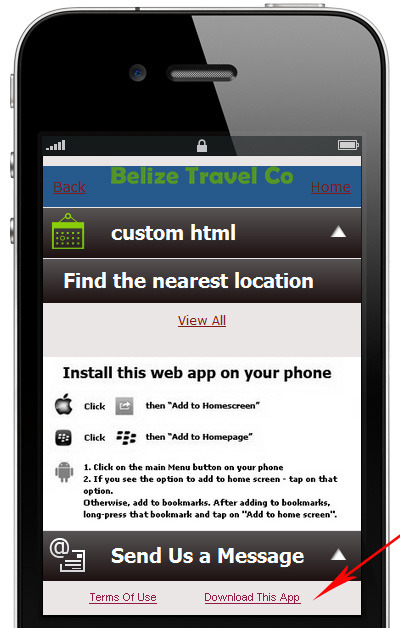
And a link “Download this app” is displayed in the footer next to “Term Of Use” :
You able to add either the instant app widget or the popup, or both. Also you can choose an icon for the page what will be displayed on the screen.